ArkaHub
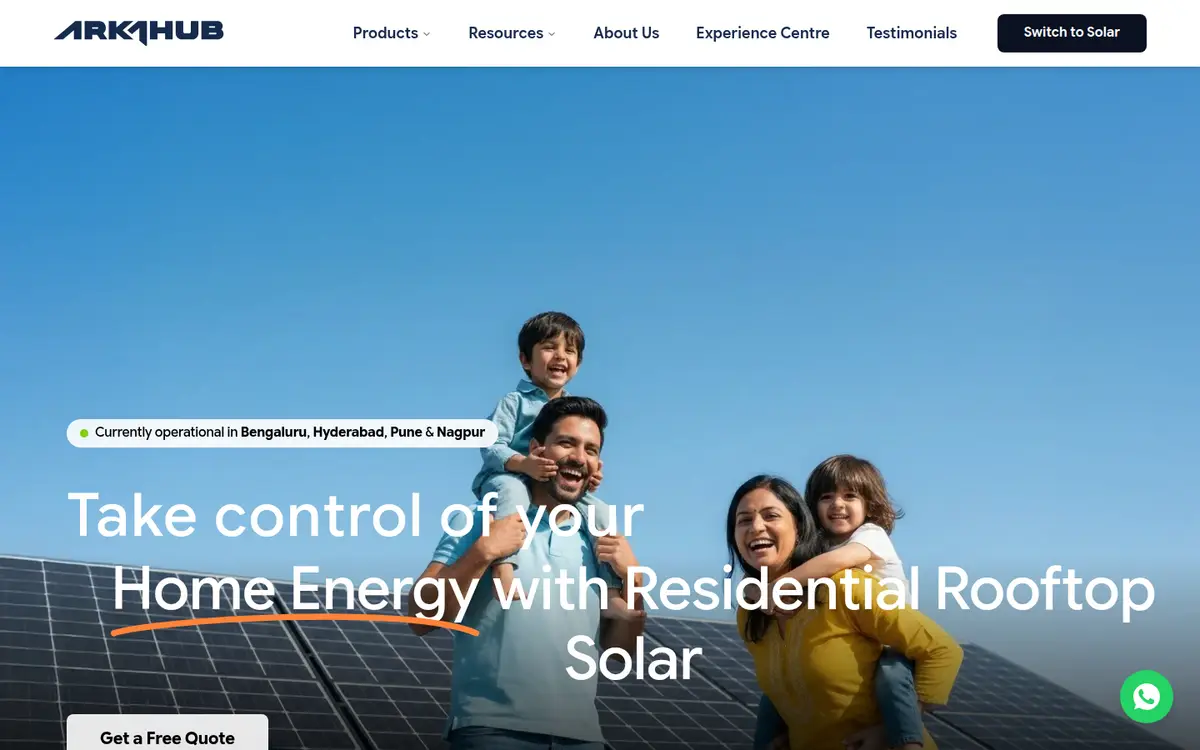
Rooftop solar lead-generation site with a payback calculator, plus internal Zoho automation.
Read the case studyBuildKodiq connects CRMs to the rest of your business so leads, deals and customers stay in sync without manual entry. Our Zoho CRM flows for a solar company have handled more than 200,000 leads, and we've built CRM integrations for a venture fund, a recruiting firm (JobDiva) and an ActiveCampaign sales team.
Leads arrive from forms, ads and calls but don't all reach the CRM.
Solved by: Sync queueevery source in
Sales reps update records by hand and data drifts.
Solved by: Field ownerwhich system wins
Reporting means exporting spreadsheets every week.
Solved by: Dashboardupdates itself
The CRM can't see what happened in billing, support or the product.
Solved by: Billing syncStripe, QuickBooks
Fields, duplicates, sources and the reports people actually need.
Which system owns which field, and what triggers each sync.
Queues, deduplication and retries so the flow holds up at hundreds of thousands of records.
Dashboards in the CRM or analytics tool that update themselves.
Handed to your team
Rooftop solar lead-generation site with a payback calculator, plus internal Zoho automation.
Read the case studyWe've built on Zoho CRM, Bigin, Books and Analytics, ActiveCampaign and the JobDiva ATS, and integrate HubSpot, Airtable and Google Sheets. Any CRM with an API can usually be automated.
Yes. Deduplication and field mapping are usually the first step, because automations amplify bad data.
Whichever fits the volume. Simple flows run well in Zapier or Make; high-volume pipelines like the 200,000-lead Zoho flow use custom code and queues.
A free call with the engineer who would lead your project. You leave with a clear next step, whether or not we work together.
or write to hello@buildkodiq.com